Pill reminder for iPhone & Android
Never miss a pill again.
PillPal reminds you at the right minute, lets you mark it Taken straight from the lock screen, and keeps a quiet record so you never lie awake wondering "did I take it?"


- Free to start
- No account
- Works offline
- Under a minute to set up

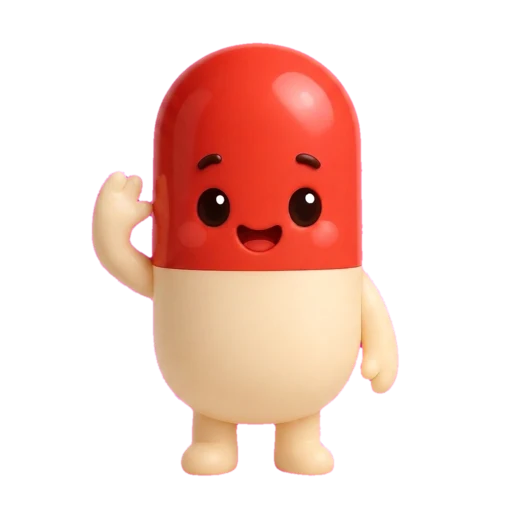
What is PillPal?
A pill reminder that does the remembering, so you don't have to.
PillPal is a pill reminder and medication tracker for iPhone, iPad and Android. You add the medicines, vitamins and supplements you take, pick times and the days they apply to, and PillPal schedules a reminder for every dose. On iPhone those reminders are time-sensitive, so they get through Focus and Do Not Disturb.
Every reminder carries Taken, Snooze and Skip buttons that work from the lock screen, so a dose takes one tap and no unlocking. The Today screen shows a gold progress ring of what is left, the dose history answers "did I take it?" in one look, and a home-screen widget keeps the count and your streak in view. There is no account and it works fully offline. Free to start, with an optional Premium for unlimited pills.
PillPal is made by Black Box Code LLC, an independent studio, and is available in English, Spanish, Portuguese and French.
Sound familiar?
Missing a pill is rarely about caring. It's about a busy brain.
Most missed doses happen for boring reasons: the alarm got swiped, the day changed shape, the bottle was in another bag. PillPal is built around those moments.
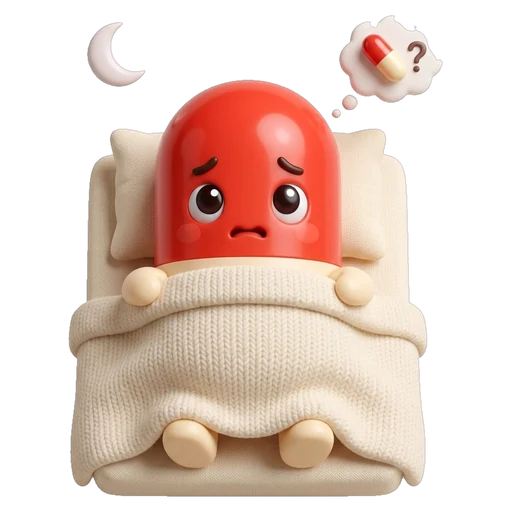
Lying awake wondering whether you took your pill.
With PillPal: The dose history answers that in one look. Taken doses show a green check, skipped ones are marked, and the widget counts what is left.
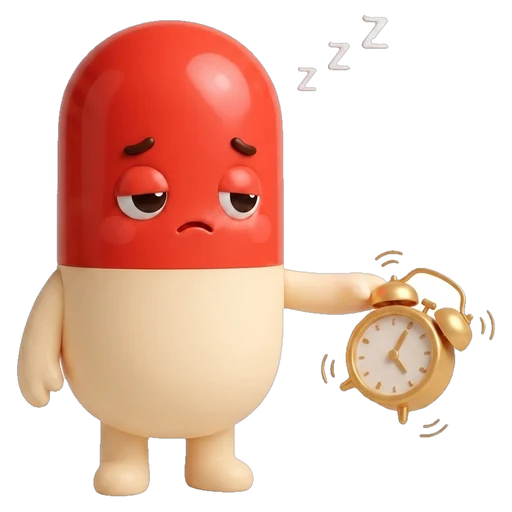
Swiping the alarm away and forgetting within a minute.
With PillPal: A plain alarm has no memory. A PillPal reminder stays in the list until you tap Taken, Snooze or Skip, and Snooze brings it back in ten minutes.
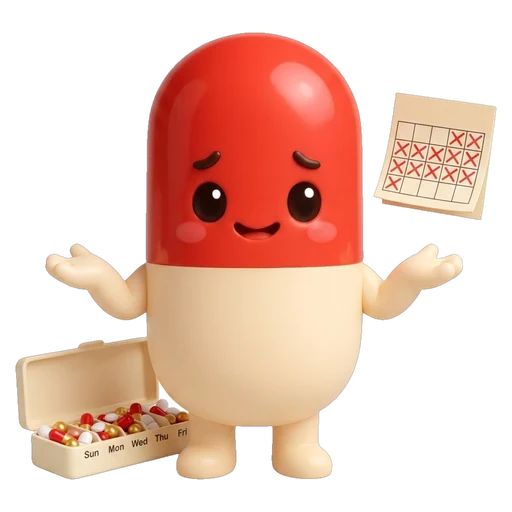
Skipping the vitamins for a week without noticing.
With PillPal: The streak notices for you. A gold ring that stalls and a streak that resets are the gentlest nag there is.
How it works
Set up in under a minute. Then it's one tap a dose.
-
1
Add what you take
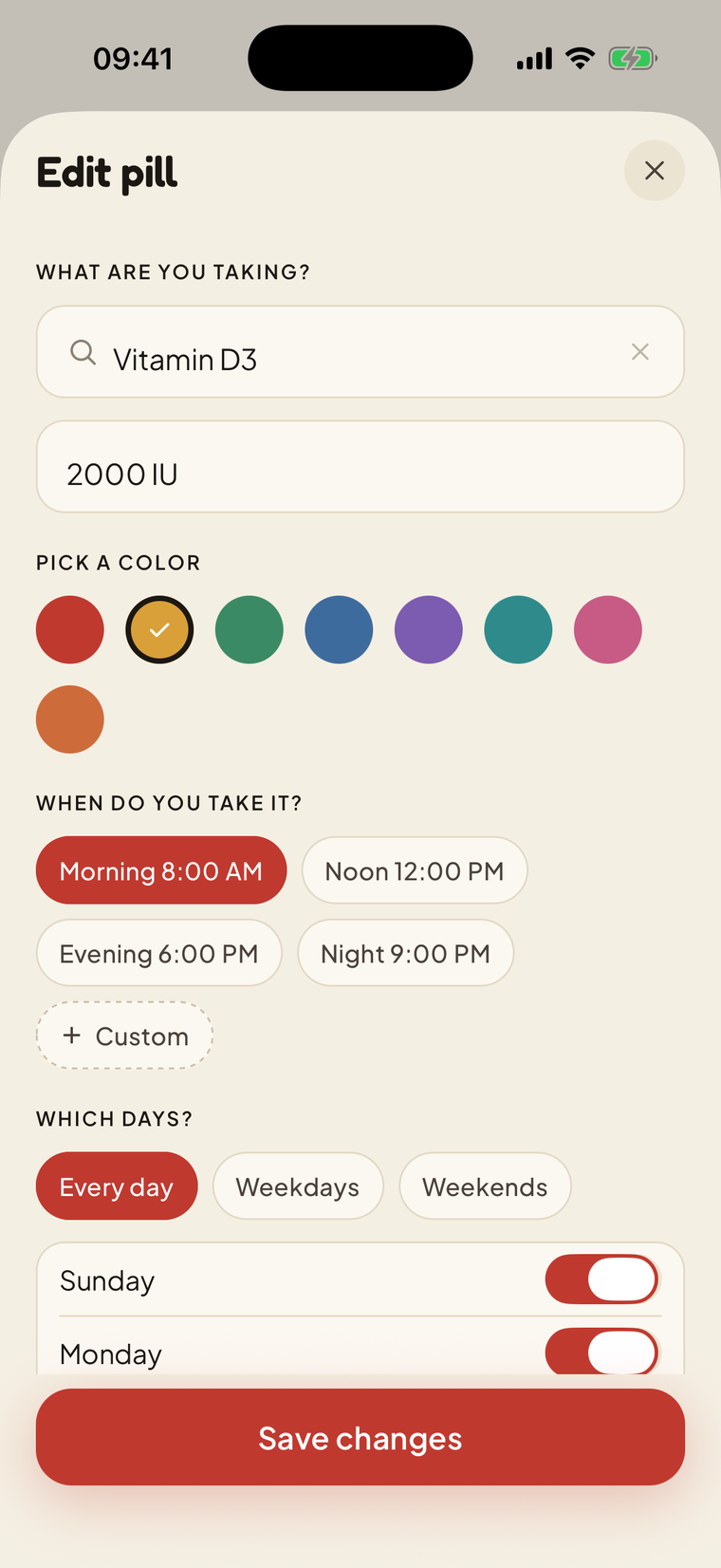
Search a library of 300+ medicines, vitamins and supplements, or type your own. Add the dosage and pick a colour so the list reads at a glance.
-
2
Pick times and days
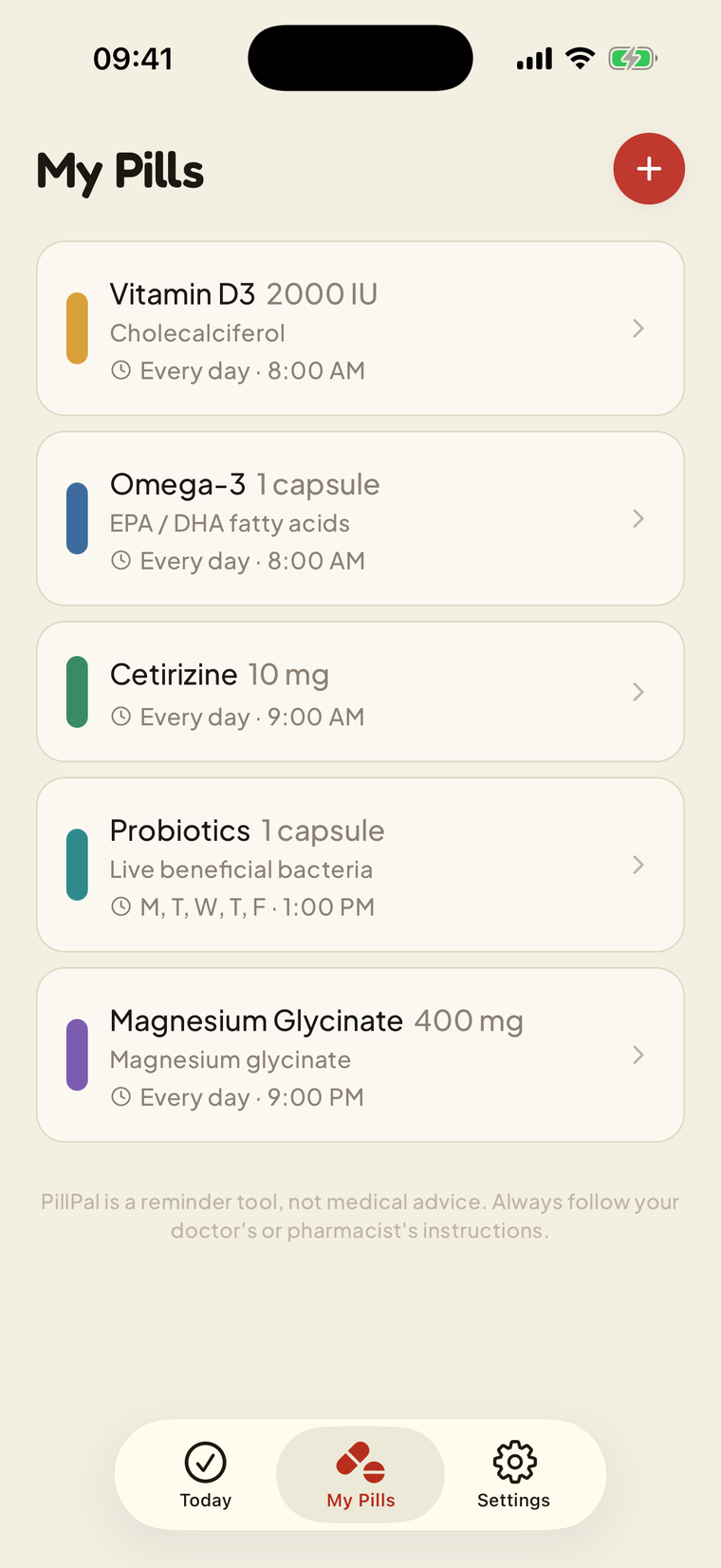
Morning, noon, night or your own time. Every day, weekdays, weekends or a custom set, per pill. Several doses a day is fine.
-
3
Tap Taken from the lock screen
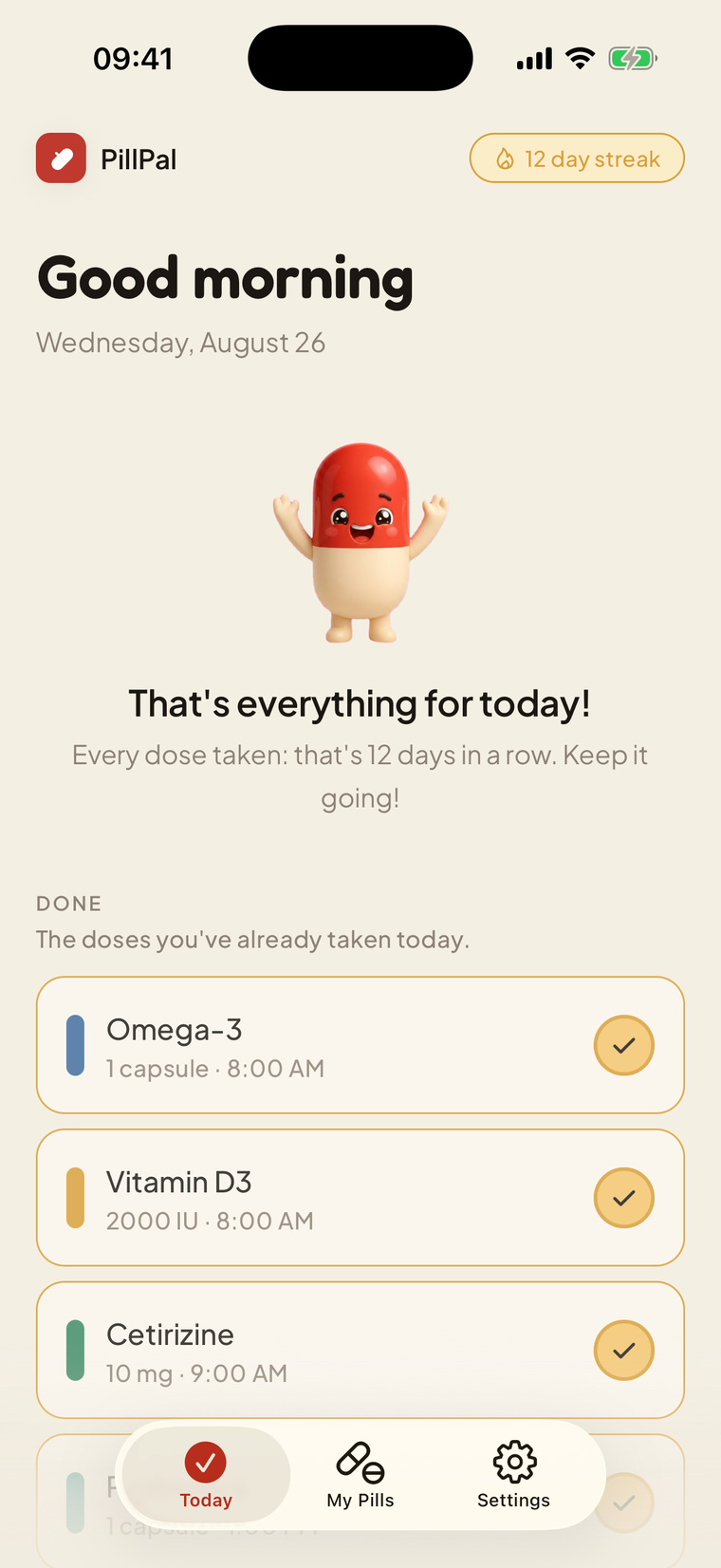
The reminder lands, you tap Taken, Snooze or Skip, and the day fills gold. Finish every dose and Pilly celebrates your streak.


Watch the demo
See PillPal in a 3-minute demo
Why I Built PillPal (And Why You Need It) (3:27, YouTube, 14 Sep 2026). Mario Diaz, who built PillPal, explains why the app exists and walks through tracking and logging doses on iPhone and Android.
Features
Everything a medication reminder should do. Nothing it shouldn't.

Reminders you actually notice
Set a time and PillPal is there. Reminders are marked time-sensitive on iPhone, so they get through Focus and Do Not Disturb when a dose is due.

Taken, Snooze or Skip from the lock screen
Every reminder carries three buttons. Handle the dose without unlocking your phone and get on with your morning.

Your day on the home screen
A widget shows how many doses are left, a gold progress ring and your streak. Most days a glance is all you need.

Add anything in seconds
Search a built-in library of 300+ medicines, vitamins and supplements, or type your own. Pick a colour, choose times, set the days.

A streak worth keeping
Finish the day and Pilly cheers. Small thing, but it turns a chore into something you look forward to ticking off.

Private and offline by default
No account, no sign-up. Your pills and history stay on your device, and PillPal works with no internet at all.
The app, screen by screen
Warm, simple, and built for one-handed mornings.
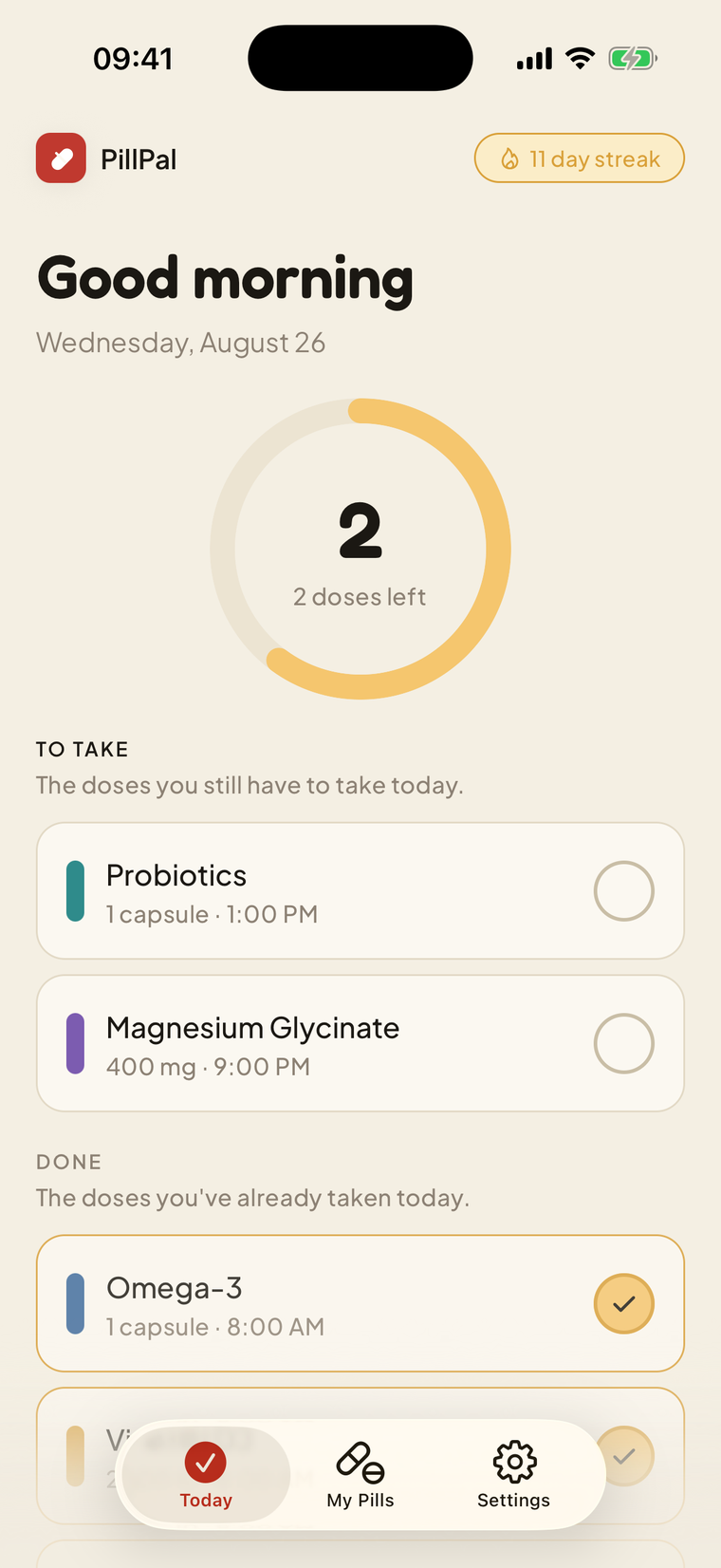
Oat-paper backgrounds, big touch targets, a gold ring that fills as your day goes. Swipe through the same screens you'll see on the store.
-
Your pill reminder, on time
Daily reminders for vitamins, medicine and supplements. Mark it taken and watch the day fill gold.
-
Medication reminders you won't miss
A medication alarm that breaks through Focus. Taken, snooze or skip, right from the notification.
-
Medication tracker with streaks
Pilly cheers every completed day. Build a streak worth keeping.
-
Add supplements in seconds
Search 300+ vitamins and medicines offline, pick a colour, set weekday or weekend schedules.
-
Your medication list, always ready
One simple list of names, dosages and schedules. Every reminder, at a glance.

Home-screen widget
The answer to "did I take it?" without opening anything.
The widget shows doses left, a gold progress ring and your streak. It updates the moment you tap Taken and rolls over at midnight on its own, even if you never open the app that day.
More about the widget
Why it matters
One less thing living in your head.
A pill you take every day is a small task with a big cost when it slips. The worry is the expensive part: the 11 p.m. "did I?", the double-checking, the guilt after a missed week of vitamins. PillPal takes that job off your mind and hands it to something that never forgets.
The point is not the app. It is the mornings that start without a search through the cupboard, the evening you go to sleep sure, and the quiet pride of a streak you didn't think you could keep.
- 1 tapto log a dose, from the lock screen
- 0 accountsnothing to sign up for, nothing to leak
- 300+medicines, vitamins and supplements built in
Who it's for
Made for real routines, not perfect ones.
Daily medication
One or many medicines a day, morning and night, without the mental load.
Vitamins and supplements
The ones you keep skipping. A colour, a time, a tick.
Caregivers
Set up a parent's or partner's pills in five minutes and share the plan.
ADHD and busy brains
Externalise the remembering. The nudge lands where your eyes already are.
Shift work and travel
Weekday, weekend or custom days per pill; several times a day when needed.
Older adults
Big buttons, one tap, no account. Nothing to learn twice.
Free vs Premium
Free covers a daily routine. Premium is for bigger ones.
Every feature is in the free tier, with room for three pills. Premium removes the limit.
| Feature | Free | Premium |
|---|---|---|
| Pills, vitamins and supplements | Up to 3 | Unlimited |
| Time-sensitive reminders | ||
| Taken, Snooze and Skip from the lock screen | ||
| Home-screen widget with doses left | ||
| Streaks and dose history | ||
| 300+ offline medication library | ||
| Weekday, weekend and custom day schedules | ||
| Works offline, no account | ||
| Free trial on the yearly plan | – |
Current pricing is shown inside the app
and on the store listing.
Guides
Small habits that make the pills stick.
Practical, short, and written for real life. No medical advice, just the remembering part.
Habits
How to remember to take your medication every day
Seven practical habits for remembering daily medication: anchor to a routine, one-tap logging, visible progress, and a reminder that survives Do Not Disturb.
Read the guideHow-to
How to set up medication reminders on iPhone
Set up pill reminders on iPhone in under a minute: add the medication, pick times and days, allow notifications, add the widget, log doses from the lock screen.
Read the guidePeace of mind
"Did I take my pill?" How to stop the loop for good
Why the 'did I take my pill?' loop happens, why you should never guess, and how a one-tap dose log and a doses-left widget answer it in a second.
Read the guideSupplements
A vitamin reminder that survives the second week
Why vitamins get skipped, how to give a supplement routine stakes with streaks, and how to schedule weekday-only or with-meal supplements in PillPal.
Read the guideCaregivers
Setting up a pill reminder for a parent or partner
How to set up a medication reminder on a parent's or partner's phone, keep it simple enough to run itself, and know how the week went without nagging.
Read the guideADHD
A medication reminder that works with ADHD, not against it
A reminder setup that works with ADHD: interrupt-proof notifications, one-tap logging, a snooze that keeps the thread, and a streak for immediate reward.
Read the guideSchedules
Different days, different pills: schedules that match your real week
How to handle pills that differ by day: weekday-only, weekend-only, custom days, several doses a day and rotating shifts, with per-pill schedules.
Read the guideCompare
Pill organiser or reminder app? Use both, for different jobs
A weekly pill organiser and a reminder app solve different halves of the problem. Here is what each does, where each fails, and why the combination wins.
Read the guideHabits
Why people stop taking medication, and how to restart
The WHO puts long-term adherence near 50%. Five everyday reasons medication quietly stops, what a reminder fixes, and what belongs to your pharmacist.
Read the guideHow-to
How to set up medication reminders on Android
Set up pill reminders on Android in under a minute: add the medication, pick times and days, allow notifications, and log doses with Taken, Snooze or Skip.
Read the guideOlder adults
A pill reminder for seniors that stays simple
What makes a pill reminder work for older adults: no login, big targets, one tap per dose, a widget that answers 'have I taken them?', family setup in minutes.
Read the guideCompare
FAQ
Frequently asked
What is PillPal?
PillPal is a pill reminder and medication tracker for iPhone, iPad and Android. You add the medicines, vitamins and supplements you take, pick times and days, and PillPal reminds you at the right minute. Each reminder carries Taken, Snooze and Skip buttons that work from the lock screen, the Today screen shows a gold progress ring of what is left, and a home-screen widget keeps the count and your streak one glance away. There is no account and it works offline.
Is PillPal free?
Yes. The free tier includes reminders, lock-screen actions, the widget, streaks, the medication library and up to three pills. An optional Premium subscription unlocks unlimited pills. Current pricing is shown inside the app and on the store listing.
Do reminders work with Do Not Disturb and Focus modes?
On iPhone, PillPal marks dose reminders as time-sensitive, a category Apple lets through Focus and Do Not Disturb by default. You can change that per app in Settings, and you can turn reminders off any time.
Can I mark a pill as taken without opening the app?
Yes. Every reminder has Taken, Snooze (10 minutes) and Skip buttons. Press and hold the notification on the lock screen, tap one, and the dose is logged. The widget and Today screen update on their own.
Does PillPal need an account or an internet connection?
No account and no sign-up. Reminders are scheduled on the device, the medication library is built in, and your pills and history are stored on your phone. PillPal works with no internet at all.
Is PillPal medical advice?
No. PillPal is a reminder tool. The medication library gives short, general descriptions so you can recognise what you are adding, never dosing instructions. Always follow your doctor's or pharmacist's directions.
Tomorrow's first dose is a good place to start.
Add one pill, pick a time, and let PillPal do the remembering.
Free to start. No account. Works offline.